Kibi Can Now Read Korean Menus — Snap a Photo and Get It Translated
Kibi just got a big upgrade. The AI guide on knewsdaily.com/kibi can now read images — meaning you can take a photo of a Korean menu, receipt, or sign and ask Kibi to translate it for you, right in the chat.
Two Ways to Send a Photo
There are now two buttons in the Kibi chat input bar:
- 📷 Gallery upload — tap the image icon to pick a photo from your phone or computer
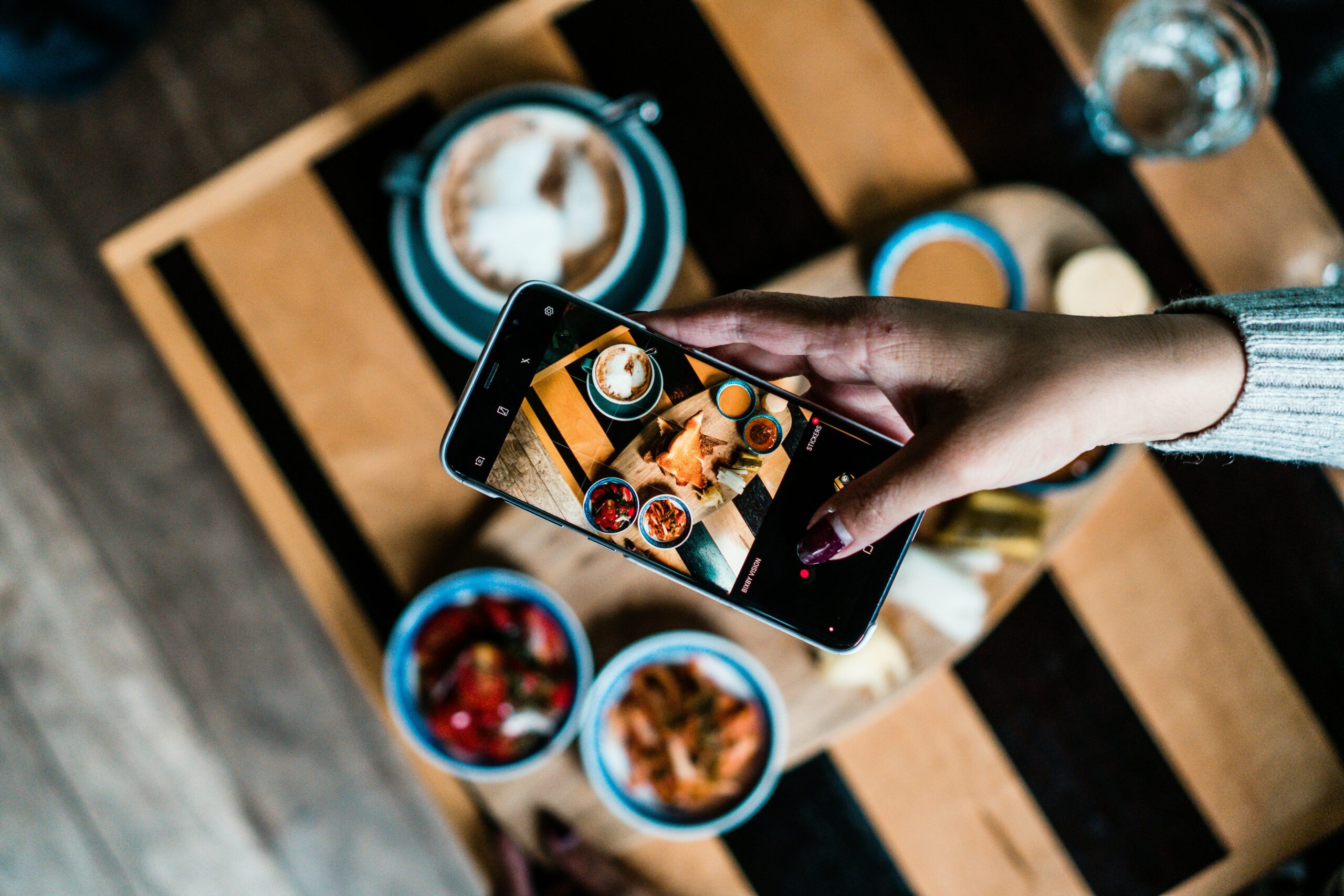
- 📸 Camera button — tap the camera icon to take a live photo on the spot
Once the photo is attached, just type your question (or leave it blank) and hit send. Kibi reads the image and replies in whatever language you’re writing in.
The Most Useful Scenario: Korean Restaurant Menus
If you’ve ever sat in front of a Korean menu with zero Hangul reading ability, you know the struggle. With this update, you can:
- Open knewsdaily.com/kibi on your phone
- Tap the camera button and point it at the menu
- Type “What does this say?” or “Translate this menu” — or don’t type anything at all
- Kibi translates and explains each item in your language
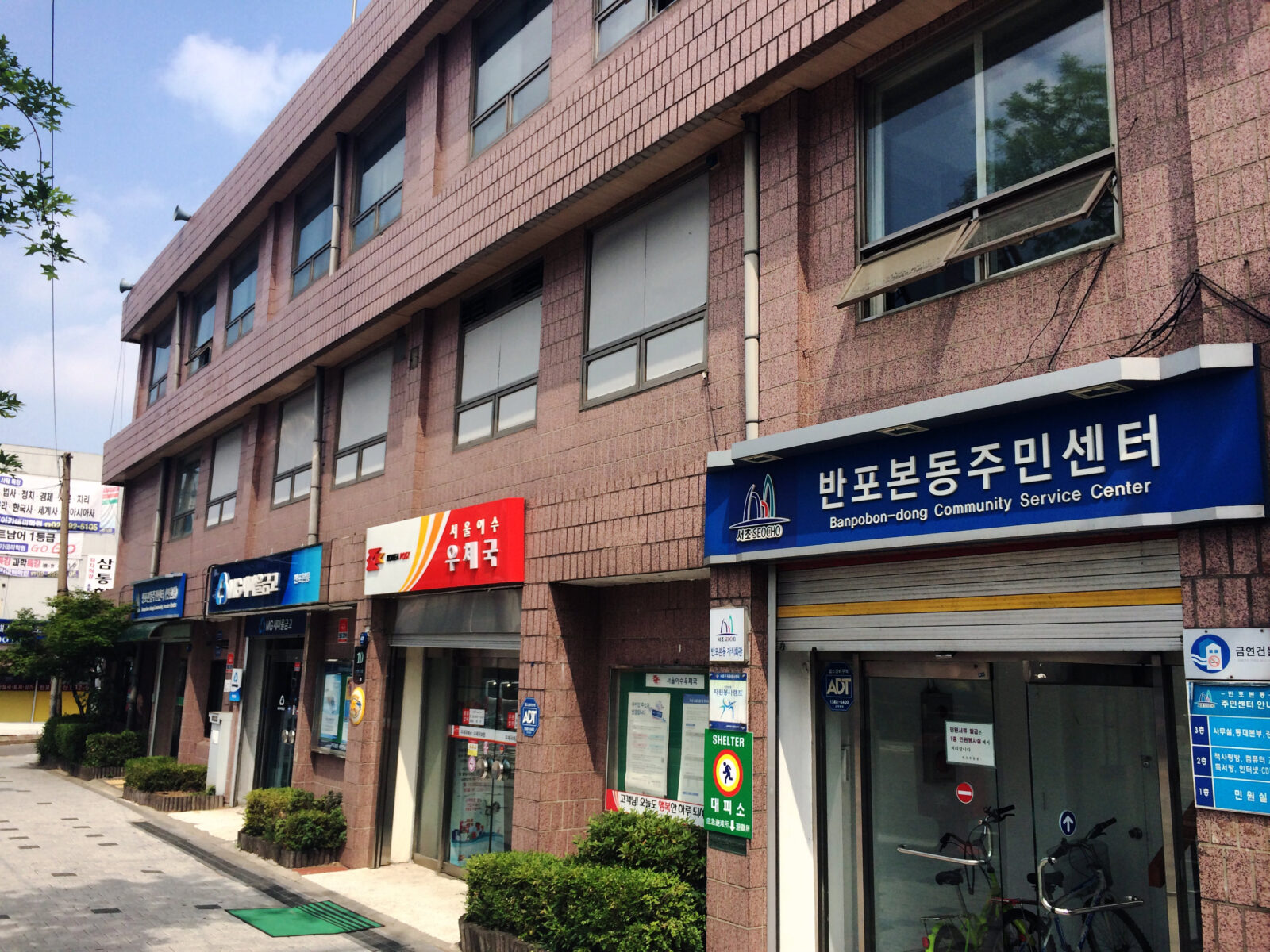
Same goes for receipts, price tags, street signs, or any Korean text you encounter out in the wild.
Still All the Same Languages
Kibi still auto-detects your language — write in English, Korean, Japanese, or Chinese and she’ll respond in kind. The image feature works across all four languages.
Try it here → knewsdaily.com/kibi